You've probably seen it on a payment screen: a reassuring little badge that says "Protected" or "Purchase Protection." It feels like a safety net — like if something goes wrong, the app will have your back.
But here's a question I get constantly from readers: "If I send money to someone and they don't deliver the goods, or if I get scammed, can I get my money back?"
The answer is complicated. And the differences between Venmo, Cash App, and Zelle matter a lot — because they're not all the same.
I've spent time digging into the fine print of each service. I've read their user agreements, their fraud policies, and their arbitration clauses. I've also tracked real-world outcomes: what happens when someone reports a fraudulent transaction.
Here's what I found — and what you need to know before you hit "send."
The fundamental truth about peer-to-peer payment apps
All three of these apps were designed for friends and family. They were built to split a dinner bill, pay your roommate for utilities, or chip in for a group gift. They were not built for buying and selling goods from strangers.
That design choice is the foundation of everything else. Because when you send money on these platforms, you're authorizing a transfer from your bank account or debit card. It's closer to handing someone cash than it is to swiping a credit card.
The rule: Most transactions are treated as final. There is no "chargeback" button like you have on a credit card. The app's job is to move the money, not to mediate disputes.
That doesn't mean you have zero protection. But the protection is narrower and more conditional than most people assume.
Venmo — Purchase Protection has limits
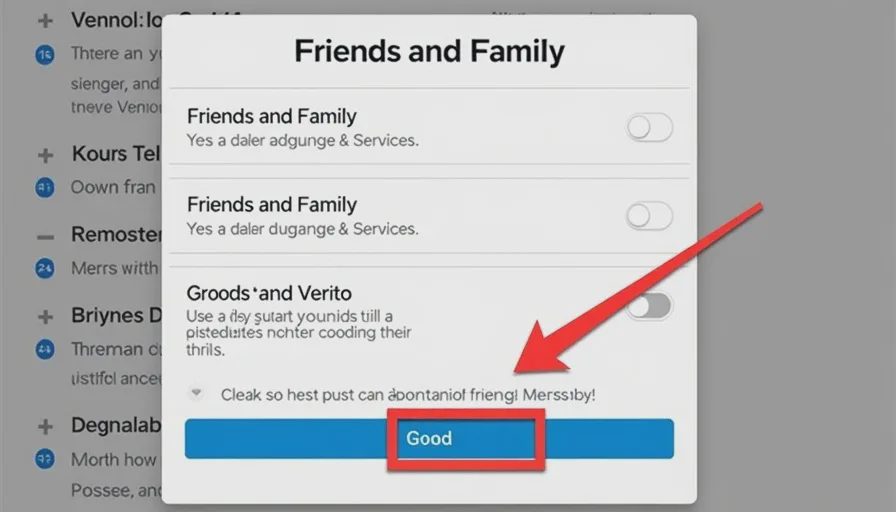
Venmo (owned by PayPal) does offer something called Purchase Protection. But it only applies when:
You're buying a physical good (not a service, not a digital download).
You use the "Goods and Services" toggle when you send money.
You pay through a business profile or a Venmo-approved merchant.
If you send money to a friend or use the "Friends and Family" option (which is the default), you have no protection at all. Venmo explicitly states that it does not cover unauthorized transactions or disputes for personal transfers.
Here's the kicker: The "Goods and Services" toggle is not easy to find. Many users don't even know it exists. And even if you find it, it's easy to forget. Venmo's default is "Friends and Family," and most people don't change it.
What happens if you send money to a scammer for a concert ticket and they disappear?
If you used "Friends and Family": you lose the money. Venmo will not reverse it.
If you used "Goods and Services" and paid through a merchant account: Venmo may refund you, but they'll investigate, and it's not guaranteed.
Protection level: Moderate, but only if you specifically enable it and use it correctly.
Cash App — Even more limited
Cash App's protection policies are even narrower. They offer a feature called "Protection for payments" but the eligibility is stricter than Venmo's.
Cash App's protection applies only to:
Payments made to verified business accounts (with a checkmark badge).
Certain transactions that qualify as purchases of goods or services.
For personal payments between individuals, Cash App explicitly states: "We do not provide protection for payments you send or receive through Cash App."
That means if you send $200 to someone you met on Facebook Marketplace and they never ship the item, Cash App will not help you recover the money. Their support team may file a report, but they won't reverse the payment.
Protection level: Low. Only useful if you're buying from a verified business.
Zelle — The strictest of all
Zelle is different from Venmo and Cash App in a fundamental way: it's built directly into many bank apps. Chase, Wells Fargo, Bank of America — they all use Zelle as their P2P (peer-to-peer) payment system.
Because Zelle is designed as a direct bank-to-bank transfer, it treats every transaction like a wire transfer. Once the money leaves your account, it's gone. Zelle's user agreement states:
"You should only send money to people you know and trust. Zelle does not offer a protection program for authorized payments."
That means if you send money to a scammer, Zelle will not reverse it. Your bank may investigate, but the default position is that you authorized the payment, and that's final.
Protection level: Essentially zero for personal transactions. The only exception is if there's a genuine unauthorized transaction — meaning someone else accessed your account without your permission and sent money without you knowing. That's rare and usually resolved through the bank's fraud process, not Zelle's.
What "unauthorized" means — and why it matters
All three apps will cover you if someone steals your login credentials and sends money without your knowledge. That's covered by their fraud policies and federal regulations (Reg E under the Electronic Fund Transfer Act).
But here's the gap: "I sent money to someone and they tricked me" is not the same as "someone stole my login."
When you authorize a payment — even if you were deceived — it's considered an authorized transaction. You willingly sent the money. The app's job was just to move it. They're not responsible for whether you got what you paid for.
That's the distinction that trips people up. Many users think "unauthorized" includes fraud. It doesn't — not in the way the apps define it.
The credit card trick (and why it's not enough)
Some users try to bypass this by linking their credit card to Venmo or Cash App, hoping they can do a chargeback through the credit card issuer.
Can it work? Sometimes. Credit card issuers have their own dispute processes, and they're often more consumer-friendly than the payment apps.
But there's a catch: If you initiate a chargeback through your credit card, the payment app may freeze your account or even close it. They have clauses in their user agreements that allow them to do this if you reverse a payment.
Also, the credit card dispute process takes weeks, and it's not guaranteed. The issuer will investigate, and if they determine the transaction was authorized, they'll deny the claim.
Bottom line: A credit card adds a layer, but it's not a reliable fallback.
When these apps will help you
There are specific situations where Venmo, Cash App, or Zelle will step in.
1. Unauthorized account access
If someone logs into your account and sends money without your permission, you are typically covered. You need to report it immediately, and the app will investigate. Banks are required by law to reimburse for unauthorized electronic fund transfers if reported within 60 days.
2. Scam through a business account
If you buy from a verified business account on Venmo or Cash App and you don't receive the item, you may get a refund. But the app's discretion is wide. They aren't obligated to refund you.
3. Technical errors
If the app glitches and charges you twice, or sends money to the wrong person due to a system error, they'll correct it.
4. Seller provided and product not delivered (limited, with conditions)
Venmo's Purchase Protection (with Goods and Services toggle) is the only real avenue here. Cash App's is more restrictive. Zelle has none.
What works better than relying on the app
Given the limits of these apps' protection policies, the safest approach is to use them only with people you know and trust. That's what they were designed for.
For buying from strangers:
Use a credit card through a traditional payment processor (like PayPal's Goods and Services or Shopify).
Use a platform with a built-in escrow service or buyer protection (like eBay or Etsy).
Pay cash in person for local purchases.
If you must use Venmo/Cash App/Zelle with a stranger:
Send only small amounts you can afford to lose.
Request additional verification — ask for a phone call, a video call, or a photo of the item with today's date.
Check the seller's history or reviews if available.
Meet in person for local pickup if possible.
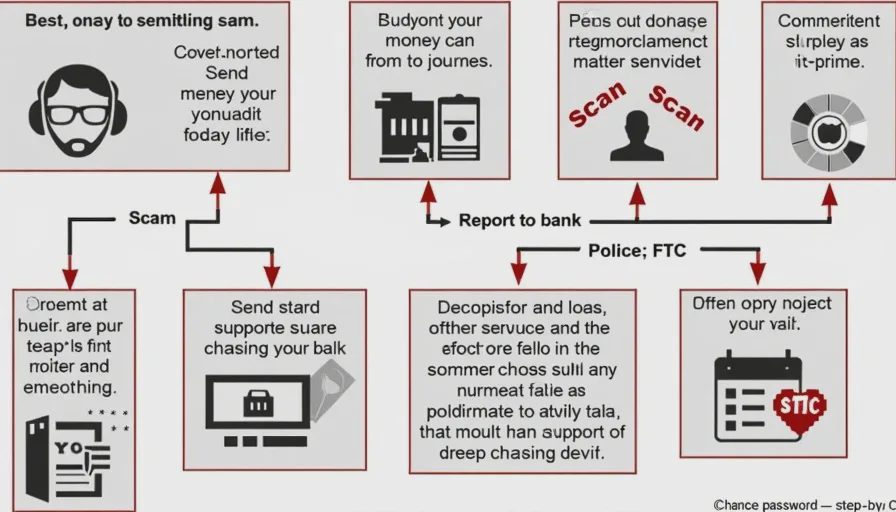
What to do if you're scammed on a payment app
If you've sent money and realized it was a scam, act fast.
Step 1: Report to the app
Open the app, find the transaction, and report it. Some apps have a "report fraud" or "report dispute" button. Provide as much detail as possible — screenshots, messages, the seller's profile.
Step 2: Report to your bank or card issuer
If your Venmo or Cash App is linked to a credit card or debit card, call the bank and inform them of the situation. They may be able to open a dispute or freeze the card.
Step 3: File a police report
This may not recover the money, but it creates a record. Scammers are often part of larger rings, and police reports help track them. Some apps require a police report for fraud investigations.
Step 4: Report to the FTC
File a complaint at ReportFraud.ftc.gov. The FTC tracks scams and uses these reports to pursue enforcement actions.
Step 5: Change your passwords
If you shared any login details or clicked a suspicious link, change your passwords immediately — for the app, your email, and any other accounts that use the same password.
How to protect yourself before sending
A little prevention goes a long way.
Always use the "Goods and Services" toggle on Venmo if you're buying something. It's not perfect, but it's better than nothing.
Verify the seller. Check their profile — how long have they been active? Do they have reviews? Have they sold similar items before?
Ask for proof. Request a video call or a photo of the item with a handwritten note bearing today's date.
Never pay for something you haven't seen. If it's too good to be true, it probably is.
For high-value items, use an escrow service or a platform with built-in protection. The small fee is worth the peace of mind.
What I personally do
I use Venmo and Cash App regularly — for splitting dinner, paying my daughter's babysitter, and chipping in for office gifts. But I never use them for transactions with strangers. I have a simple personal rule:
"If I wouldn't hand them cash in person, I won't send them money through an app."
Cash is the baseline. If the transaction wouldn't feel safe in cash, it doesn't feel safe on an app. The app's "protection" is a thin layer — not a substitute for trust.
A quick comparison table
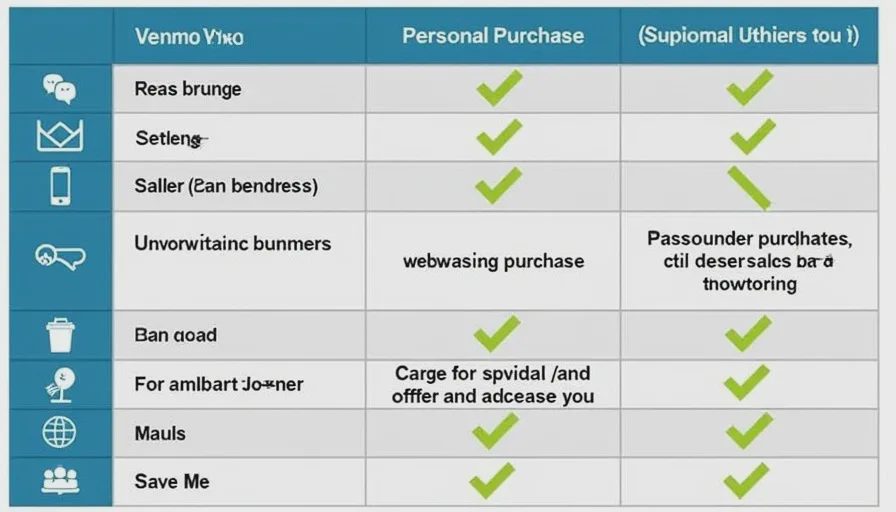
Feature | Venmo | Cash App | Zelle |
|---|---|---|---|
Protection for personal transfers | ❌ No | ❌ No | ❌ No |
Protection for purchases from verified businesses | ✅ Yes (with toggle) | ✅ Limited | ❌ No |
Can reverse unauthorized access | ✅ Yes | ✅ Yes | ✅ Yes |
Default to Friends & Family | ✅ Yes | ✅ Yes | ✅ Yes |
Chargeback through bank | ❌ Can freeze account | ❌ Can freeze account | ❌ Can freeze account |
Best use case | Friends & trusted acquaintances | Friends & trusted acquaintances | People you know and trust |
Venmo, Cash App, and Zelle are convenient, fast, and useful. But they are not credit cards. They don't offer the same consumer protections, and they're not designed to mediate disputes between strangers.
If you use them like cash — and only with people you trust — they're safe. If you use them like a credit card with purchase protection, you're setting yourself up for disappointment.
Treat these apps like digital wallets, not like insurance policies.
No letters yet.