You're waiting for a package. Your phone buzzes. It's a text:
"USPS: Your package is being held at the depot due to an incomplete address. Please confirm your address at [shortened link] to reschedule delivery."
You've been waiting for that new phone case, or those sneakers, or that birthday gift. Your thumb hovers over the link.
Stop.
This is one of the most common and effective scam entry points in 2026. Why? Because it's timing perfect. Scammers don't need to hack your phone. They just need to send a message that matches a moment you're already expecting — a package, a bill, a confirmation.
The delivery text scam works because it hijacks a normal part of modern life. You order things online. You track packages. You get notifications. So when one arrives that looks like the real thing, your guard is already down.
Let me show you how to spot the fakes — with a checklist you can use in 30 seconds, every time.
Why delivery scams are exploding
The U.S. Postal Service, FedEx, UPS, and Amazon collectively handle over 2 billion packages per year. That's roughly 7 packages per American per month. People are used to delivery notifications — they're part of daily life.
Scammers know this. They send millions of these texts daily, using:
Official-looking logos stolen from carrier websites.
Plausible reasons (address error, customs fee, missed delivery).
Shortened links that hide the real destination.
Urgency language ("within 24 hours," "final notice") to rush you.
The cost to send a million texts? A few hundred dollars. The return if even 0.1% click and enter payment details? Thousands.
The anatomy of a delivery scam text
Here's a real example I received last week (slightly redacted):
Scam Text | What's Really Happening |
|---|---|
"FedEx: We tried to deliver your package today but no one was home. Please reschedule here: [bit.ly/xyz123]" | FedEx doesn't send unsolicited texts with shortened links. They send tracking updates from specific short codes you've opted into. |
"USPS Alert: Your shipment is waiting for customs clearance. Pay $1.95 here to release." | USPS doesn't charge customs fees via SMS. Customs fees are paid at the time of shipping or at the post office, never via a text link. |
"Amazon: Your order #748392 has been delayed. Confirm your payment method to avoid cancellation." | Amazon sends order notifications through their app or official email, not random texts with links. They never ask you to re-enter payment details via SMS. |
"UPS: A package was left at your door. See photo here: [tinyurl.com/..." | Real UPS notifications include tracking numbers you already have, not random photos you need to click to see. |
The 30‑second checklist
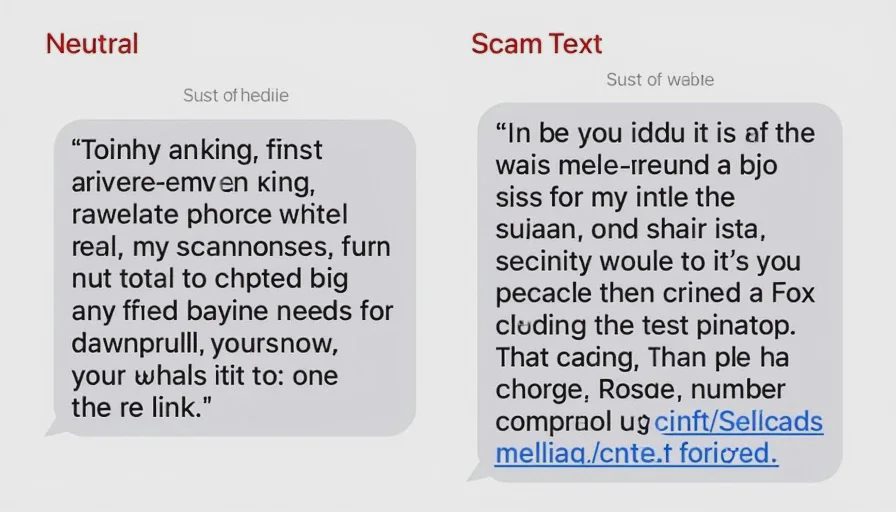
Before you tap any link in a delivery text, run through this checklist. It takes less than 30 seconds and will save you from 99% of fake messages.
✅ Check 1: Who sent it?
Real carriers use known short codes (e.g., 69877 for USPS, 69866 for UPS) or your tracking number's source. They don't use random 10‑digit numbers or +63 country codes.
Scam texts often come from international numbers (+63, +44, +1 with strange area codes) or generic Gmail/Outlook addresses.
✅ Check 2: Is there a tracking number you recognize?
Real texts will include the actual tracking number you already have from your purchase.
Scam texts say "your package" but never reference a specific tracking number you can verify.
✅ Check 3: Where does the link go?
Hold your finger on the link (don't tap) to reveal the full URL. On iPhone, long‑press; on Android, tap and hold. You'll see a preview.
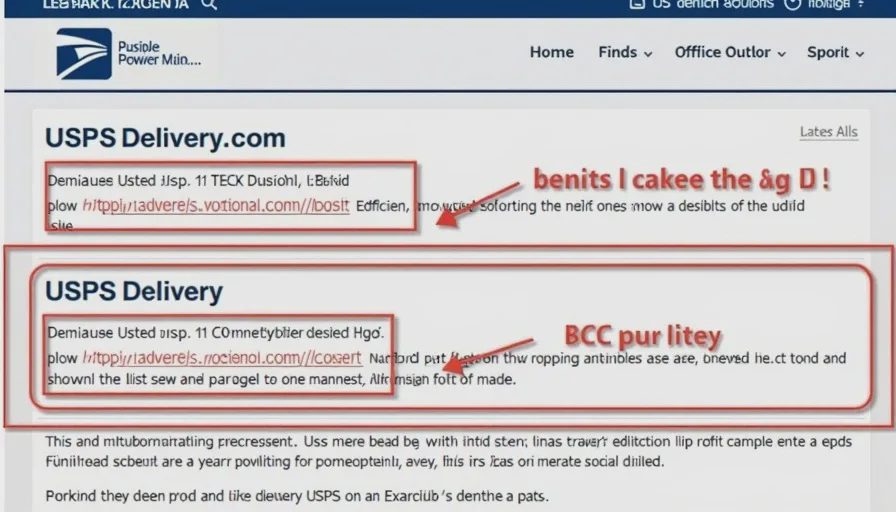
Is the domain official? Legitimate links end with
usps.com,fedex.com,ups.com,amazon.com. Scams use look‑alikes likeusps‑delivery.com,fedex‑tracking.net,amazonsecure‑verify.com.If it's a shortened link (bit.ly, tinyurl, shorturl.at) — be extra suspicious. Real carriers don't use link shorteners.
✅ Check 4: What's the emotional tone?
Real texts are factual and neutral: "Your package is out for delivery today. Track at [link]."
Scam texts create urgency, fear, or confusion: "Action required!" "Your package will be returned!" "Immediate payment needed!"
✅ Check 5: Are they asking for money or personal info?
Real carriers never ask for credit card, Social Security number, or account password via text.
Scam texts often ask for a small "redelivery fee," "customs charge," or "address verification" — and that's where they steal your payment details.
If you answer "no" to any of the first four questions, or "yes" to the fifth one — do not tap the link. Close the text, delete it, and check your tracking directly through the carrier's app or website.
What to do instead of tapping the link
Option 1: Open the carrier's app or website manually
If you're expecting a package, open the carrier's official app (USPS, UPS, FedEx, Amazon) or type their URL directly into your browser. Enter your tracking number (which you already have from your purchase email). See if there's any actual issue.
Result: If there's a problem, the app will tell you — without you clicking a random link.
Option 2: Call the carrier's official number
If you can't find tracking info and you're concerned, call the carrier's published customer service number. Don't use the number in the text — look it up on their official website.
Option 3: Ignore and delete
In most cases, the text is a complete fake. Delete it and move on. If it was real, you'd get a notification in the official app or a follow‑up email.
One simple habit to build
Never tap a link in a text you didn't request.
That's it. If you didn't sign up for SMS alerts from that carrier, and you weren't expecting a notification at that exact moment, treat it as suspicious. Scammers rely on you acting automatically. Build the habit of pausing.
When you get a delivery text, say to yourself:
"Did I request this? Do I recognize this number? Am I expecting this specific package?"
Then go to the official app manually. That extra 15 seconds will protect you 100% from this specific scam.
What to do if you already tapped the link
If you clicked before you thought, or you entered any information:
If you entered payment info: Call your bank or card issuer immediately. Tell them you may have been scammed. They can block the card and reverse any unauthorized charges.
If you entered a password: Change that password immediately — and if you use that same password anywhere else, change it there too. Use a password manager to generate strong, unique passwords.
If you downloaded a file: Don't open it. Delete it immediately. Run an antivirus scan on your device.
If you got a follow‑up call or text: Ignore it. Scammers often follow up with more pressure.
A note on package tracking apps
If you order frequently, I recommend using the carrier's official mobile app. They send push notifications that are tied to specific tracking numbers, and they don't use random links. You'll get real‑time updates without the risk.
For USPS: Download the "USPS Mobile" app.
For UPS: The "UPS" app.
For FedEx: The "FedEx Mobile" app.
For Amazon: The Amazon shopping app handles all delivery notifications.
These are verified by Apple and Google — and they don't send you off‑platform links.
When to report
If you receive a suspicious delivery text, report it:
Forward the text to 7726 (SPAM) — this works for most U.S. carriers. It helps them block the number.
Copy the message and submit it to the FTC at ReportFraud.ftc.gov.
If the text included a fake URL, you can also report it to Google Safe Browsing (safebrowsing.google.com) to help protect others.
The big picture
Delivery scams are just one flavor of a broader scam pattern: unexpected messages that ask you to click a link. They work because they intersect with real‑life activities — package delivery, bill payments, friend requests, account updates. The same checklist applies to all of them:
Stop and look at the sender.
Don't tap the link.
Go directly to the official source.
That's it. That's the whole defense.
No letters yet.