Automotive cybersecurity news can sound like a subject meant for engineers, but connected-car security affects ordinary drivers every day. Your vehicle may use a smartphone app, cellular connection, Bluetooth, Wi-Fi, a digital key, or over-the-air software updates. Each feature can make driving easier while adding another place where a mistake, weak password, or fraudulent message could create trouble.
The useful question is not whether your car is “hackable.” Almost any internet-connected system has some risk. The useful question is what a driver can do about it without panic or technical training. Here is how to read the headlines, recognize the practical warning signs, and protect the accounts tied to your vehicle.
What automotive cybersecurity news is really covering
When a security researcher or government agency reports a vehicle vulnerability, the issue usually involves one of several systems. An infotainment system might have an outdated component. A mobile app might expose information through a poorly protected account. A connected service could accept commands without strong enough identity checks. In other cases, the concern involves a supplier whose software is used across multiple vehicle brands.
That does not automatically mean someone can take control of every car on the road. Headlines sometimes compress a complicated technical finding into a frightening sentence. A reported flaw may require physical access, a specific model year, a special device, a customer account, or several steps that are difficult to repeat outside a laboratory.
Still, the report matters. A vulnerability can reveal why software updates, strong account protection, and careful handling of digital keys are important. Automotive cybersecurity news is most useful when it answers three questions: which vehicles or services are affected, what access an attacker needs, and what fix or workaround is available.
The everyday risks behind the headlines
The most likely problem for many drivers is not a movie-style remote takeover. It is account abuse. If someone gets into a vehicle app, they might view location history, unlock a car, start certain vehicles, manage a digital key, or learn personal details stored in the profile. The exact exposure depends on the brand, service plan, and vehicle design.
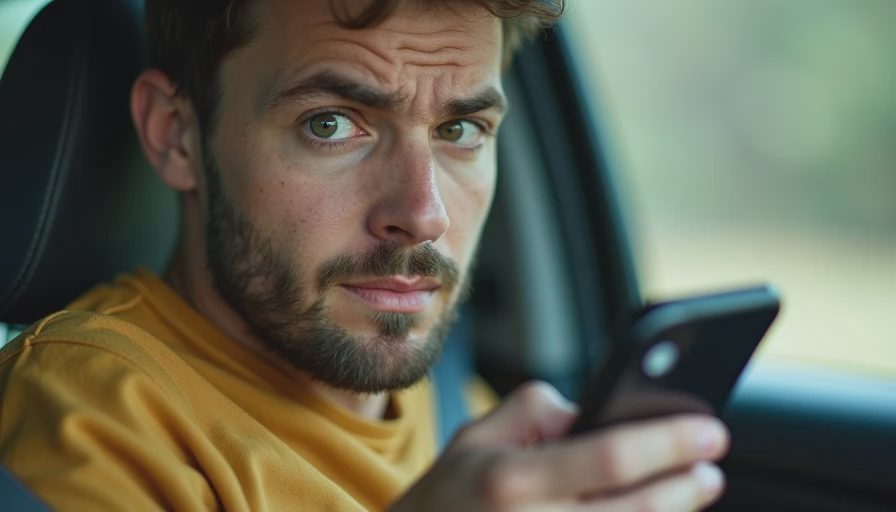
Phishing is a common entry point. A driver may receive a text claiming that a connected-service payment failed or that a software update requires immediate verification. The message sends the recipient to a fake login page designed to steal an email address and password. Another message may pretend to be roadside assistance and ask for a one-time code.
Here is where the pressure enters the script: the message makes the car feel urgent. It may mention a locked vehicle, an expiring subscription, or a safety issue. If the message wants speed, you want distance. Open the official vehicle app yourself, type the automaker’s known website into your browser, or call the number printed in your owner materials.
How to check a report without getting overwhelmed
Start with the exact vehicle or service name, not a social-media summary. Look for a notice from the automaker, the National Highway Traffic Safety Administration, the Cybersecurity and Infrastructure Security Agency, or a well-established security publication. A credible notice should identify affected products, describe the risk in understandable terms, and explain whether a software update, recall, account change, or dealer visit is needed.
Pay attention to the difference between a vulnerability and an active incident. A vulnerability is a weakness that could be used under certain conditions. An active incident means there is evidence of misuse or an ongoing attack. Both deserve attention, but they call for different responses. Do not assume that a dramatic headline means your vehicle has already been accessed.
Save the notice, then check your vehicle app and email for matching information. Avoid clicking links in a warning post or forwarded message. Search for the automaker’s official support page separately. This small pause prevents a real security concern from becoming a phishing opportunity.
Five practical steps for connected-car protection
First, create a unique password for the automaker account. Do not reuse the password from email, banking, or a shopping account. A password manager can generate and store a long password so you do not have to memorize it.
Second, turn on multifactor authentication when the service offers it. An authentication app or security key is generally stronger than a text message, but any available second step is better than a password alone. Review trusted devices and remove phones, tablets, or browsers you no longer use.
Third, install official vehicle and app updates. Some updates fix convenience features, while others address security weaknesses. Use the automaker’s app, owner portal, or dealership instructions rather than a file sent by text or email. Never connect an unknown USB drive to the vehicle’s entertainment system.
Fourth, review digital-key sharing. Remove former household members, old phones, and temporary permissions that are no longer needed. If you sell the vehicle, follow the manufacturer’s transfer and account-removal process. Deleting the app alone may not revoke every authorization.
Fifth, limit personal information in the car. Remove saved home addresses, contacts, garage-door access, and navigation history before selling, renting, or returning a vehicle. A factory reset is helpful, but confirm that connected services and paired devices have also been disconnected.

What to do after a suspicious message or account alert
If you clicked a questionable link but did not enter information, close the page and delete the message. If you entered a password, change it immediately from the official app or website, then change it anywhere else that used the same password. Sign out of unfamiliar sessions, check the account’s recovery email and phone number, and enable multifactor authentication.
If you shared a one-time code, contact the automaker through an official support channel and explain exactly what happened. If a payment card was involved, call the card issuer using the number on the card. Watch for follow-up calls from people claiming they can “secure” the vehicle for a fee. That is often the second part of the scam.
If you believe a vehicle was accessed, record dates, screenshots, app notifications, and any unusual commands or location activity. Do not rely on a caller’s number displayed on your screen; caller ID can be spoofed. Use a verified support number instead.
A calmer way to follow automotive cybersecurity news
You do not need to monitor every technical bulletin. Set a reminder to check your automaker’s safety or support page a few times a year, especially before a long trip. Subscribe only to alerts from sources you recognize, and avoid accounts that turn every software flaw into an emergency.
The best automotive cybersecurity news gives you a specific action: update an app, replace a password, remove an old digital key, or contact a dealer. If a story offers only fear and no affected models, conditions, or remedy, wait for better information. Slow the click. A connected vehicle deserves careful digital habits, but protecting it can be as straightforward as protecting your email: verify the source, use a unique password, install real updates, and treat unexpected urgency as a warning sign.
No letters yet.