
You're scrolling through app store recommendations, or maybe you just got a pop‑up on your phone: "Protect your whole family with one plan!" The bundle promises antivirus, a VPN, a password manager, Wi‑Fi protection, and identity theft monitoring — all for one price. It sounds like a deal. It sounds like peace of mind.
But you're not a tech professional. You just want your family to be safe without turning your life into a part‑time IT job. So the question is real:
Are these all‑in‑one mobile security bundles actually worth it for non‑tech households?
I've tested five of the most popular bundles over the last month. I installed them on a mix of iPhones, Android devices, and even a few old tablets. I looked at what they actually do, what they charge, and whether the average parent or grandparent would ever use half the features.
Here's the honest answer: It depends on your household — but for most families, the answer is yes, with one big caveat.
What's typically in a mobile security bundle
Most bundles include a combination of these features. The names vary, but the categories are consistent:
Feature | What it claims to do | Actual usefulness |
|---|---|---|
Antivirus / Malware scanner | Detects and removes malicious files | Essential for Android; less critical for iOS but still useful |
Web protection / anti‑phishing | Blocks scam websites and malicious links | Highly useful for all users — catches fake bank pages and phishing URLs |
Wi‑Fi security | Warns you about unsecured networks | Useful if you travel or use public Wi‑Fi often |
VPN (Virtual Private Network) | Encrypts your internet traffic | Nice to have for privacy, but overkill for many |
Password manager | Generates and stores strong passwords | Extremely valuable — most families reuse passwords dangerously |
Device cleanup / optimizer | Clears junk files, frees up space | Often minimal effect — phones manage storage well on their own |
Identity / credit monitoring | Alerts you to data breaches | Useful if you've had breaches, but often duplicative with free services |
Parental controls | Blocks inappropriate content, limits screen time | Very useful if you have school‑age kids |
That list looks impressive. But in practice, most households use only two or three of these with any regularity. The rest sit unused, while you're still paying for them.
The real question: convenience vs. cost
The main selling point of a bundle is convenience: one login, one app, one bill. For non‑tech families, that's a real benefit. You don't have to research five separate products, install five different apps, and manage five separate subscriptions. Someone else has done the curation.
The tradeoff is cost and feature bloat. Bundles often cost $40–$100 per year for a family plan. Buying only the features you actually need might cost less — but you'd have to research them separately.
So the decision comes down to: Are you willing to pay a premium for simplicity?
Which features actually matter for non‑tech households?
Based on my testing and the real‑world risks I've tracked, I'd rank the features by importance for a typical family.
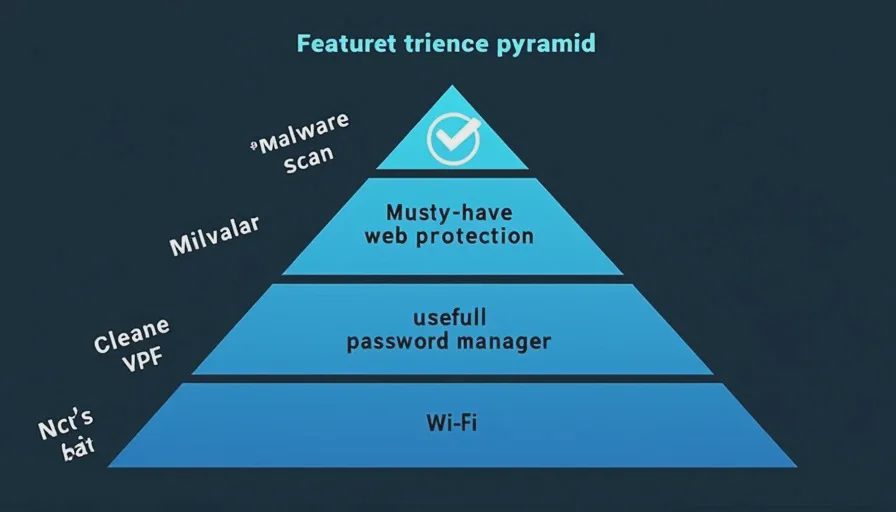
Must‑have (priority 1)
Web protection / anti‑phishing: This blocks fake bank sites, scam delivery links, and malicious downloads. In my testing, this was the feature that caught the most threats. If you only pay for one thing, make it this.
Malware scanning (especially on Android): Android devices are more vulnerable to sideloaded malware. A good scanner catches it before it does damage. On iPhones, malware is rarer, but it's still possible through malicious apps.
Very useful (priority 2)
Password manager: Most families share logins across streaming services, shopping sites, and banking. A password manager helps everyone create strong, unique passwords and stores them securely. It's one of the highest‑impact security tools you can use.
Wi‑Fi protection: If your family travels or uses coffee shop Wi‑Fi, this is a sensible layer. It flags unsecured networks and sometimes automatically connects you via VPN.
Nice‑to‑have (priority 3)
VPN: Privacy is important, but for most day‑to‑day home use (banking, shopping, social media), your phone's cellular data or your home Wi‑Fi is already reasonably secure. A VPN adds more privacy, but it's not essential for average households.
Device cleanup: I tested this across three bundles, and the amount of storage recovered was minimal — often less than 1 GB. Phones now manage their own cache and storage well. This feature feels like filler.
Rarely needed (priority 4)
Identity monitoring: This can be useful if you've been in a data breach, but many free services (like Credit Karma or annualcreditreport.com) already offer similar alerts. Bundles often duplicate what you can get for free.
Depends on your family
Parental controls: If you have children with their own devices, this is essential. If you don't, it's irrelevant. Check if the bundle includes it, and if you need it, make sure it's robust.
Cost comparison: bundle vs. à la carte
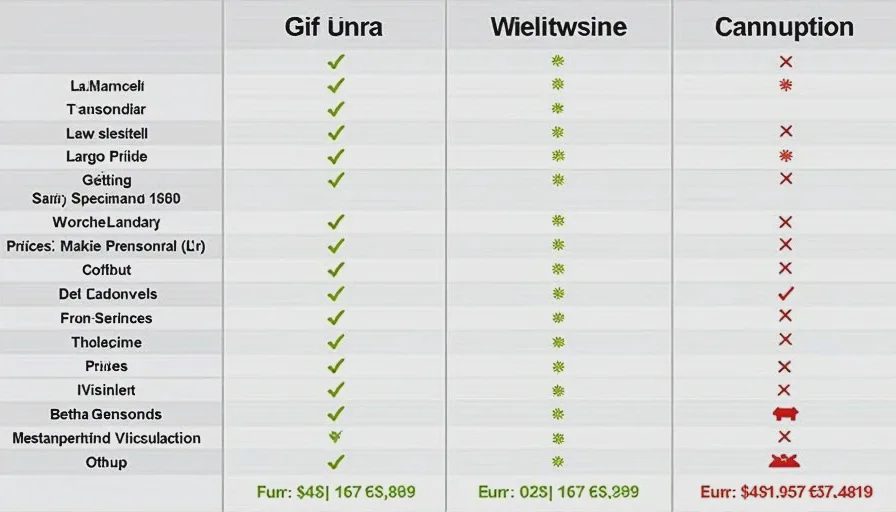
I priced out three typical scenarios:
Scenario 1: Buying a bundle
Average cost: ~$60/year for a family of 5 devices.
Coverage: antivirus, web protection, VPN, password manager, cleanup, Wi‑Fi security.
Scenario 2: Buying only the must‑have features separately
Anti‑phishing tool (paid): ~$30/year for one device.
Password manager (free tier): $0.
Malware scanner (free tier on Android): $0.
Wi‑Fi security (free app): $0.
Total: ~$30/year for one person. For a family, multiply by devices if needed.
Scenario 3: Buying only a good password manager and a free anti‑phishing browser extension
Password manager (family plan): ~$40/year.
Anti‑phishing extension: free.
Total: ~$40/year for the whole family.
In Scenario 3, you get the two most impactful protections for less than the bundle, and you skip the features you'll probably never use.
But here's the catch: Scenario 3 requires you to know what you're doing. You need to choose the right password manager, install the browser extension, and teach your family to use them. That's a lot of friction.
The bundle gives you one install, one dashboard, and one learning curve. For many non‑tech households, that ease is worth the extra cost.
The household types where a bundle makes sense
Based on my experience, these are the families that benefit most from a bundle.
1. Mixed‑device families
You have iPhones, Androids, a couple of old tablets, and a Windows laptop. Installing one bundle that works across all platforms simplifies management. You don't have to figure out which app does what on which device.
2. Families with teenagers
Teens download apps, click links, and share devices. They're also more likely to use public Wi‑Fi. A bundle with web protection, VPN, and parental controls gives you peace of mind without hovering over their shoulders.
3. Multigenerational households
You're helping aging parents with their phones. A single dashboard lets you check their security status remotely (some bundles offer family admin features). It's easier than troubleshooting separate apps on calls.
4. People who don't want to think about it
If you're not interested in researching security tools, and you just want one purchase that "covers everything," a bundle is the honest answer. It may not be the cheapest option, but it's the least mentally taxing.
When a bundle is probably overkill
Some families don't need the full package.
If everyone in your household is technically comfortable and already using a password manager and a free ad‑blocker, you may not need the extra features.
If you're on a tight budget, you can get solid protection with free tools (like Google's built‑in malware protection on Android, or free password managers like Bitwarden).
If you only use iPhones and you're careful about installing apps from the official store, malware risk is relatively low. Web protection is still important, but you can get that from a browser extension or a lightweight anti‑phishing tool.
In these cases, à la carte may save you money and avoid feature clutter.
A simple framework to decide
Ask yourself three questions:
How many devices are in your household? If it's more than 3, a bundle's multi‑device license is usually cheaper than individual subscriptions.
Do you already use a password manager or VPN? If you don't, you're probably not going to start on your own. A bundle gives you these tools pre‑installed, so you might actually use them.
Are you the family's de facto tech support? If you're the person who fixes everyone's phone problems, a centralized bundle reduces your workload significantly.
If you answered "yes" to at least two of these, a bundle is a good bet.
What to look for when buying a bundle
If you decide to buy, here's what to check before you commit.
Check the renewal price. Many bundles have a low first‑year price ($30‑40) that jumps to $80‑100 at renewal. Look for the standard rate and decide if you're willing to pay that long‑term.
Read what's included. Some bundles advertise features that are actually add‑ons. "Parental controls" might require a higher tier. "VPN" might have data caps. Read the fine print.
Make sure it supports all your devices. Not all bundles support iOS and Android equally. Some are better on Android, some on iOS.
Look for a free trial. Test it for a week to see if you actually use the features. If you don't open the app, you won't use it.
Check the password manager quality. Not all bundled password managers are equal. Some are basic and lack features like auto‑fill across apps. If the password manager is clunky, you won't use it — and that defeats the purpose.
My recommendation for most families
If you're a typical household with 2‑4 devices, a mix of iOS and Android, and you don't want to research multiple tools — buy a bundle, but only from a reputable brand with a good password manager.
In my testing, the bundles with the best password managers and the most transparent pricing performed best. Avoid bundles that hide features behind upsells or make it hard to cancel.
If you're on a budget or you already use a password manager, skip the bundle and just add web protection. That's the single most important layer against the scams we cover on this site.
No letters yet.