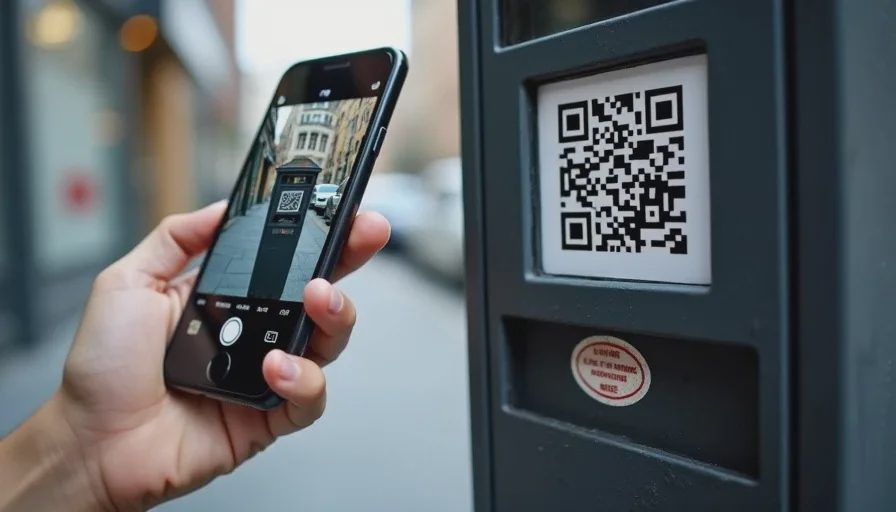
You pull into a parking spot downtown. You're already running late. You see the payment instructions on the meter: "Scan QR code to pay." You pull out your phone, open your camera, point it at the code, and tap the link that pops up. The page looks right — it has the city's logo, the parking zone number, and a familiar payment form. You enter your card details, hit "Pay," and head to your appointment.
Three days later, you check your bank statement. There's a $200 charge from a retailer you've never heard of.
What happened? The QR code on the meter wasn't the city's. Someone had peeled off the official sticker and replaced it with their own. You paid a scammer, not the parking authority.
QR code scams are rising fast, and they're uniquely sneaky — because you can't look at a QR code and tell if it's safe or not. A black and white square looks exactly the same whether it's legitimate or malicious. And by the time you scan it, you've already handed over your trust.
Why QR codes are a perfect scam vehicle
QR codes were designed for convenience: point, scan, go. That speed is also their weakness.
Three things make QR scams effective:
You can't read them. Unlike a URL, which you can glance at and judge, a QR code is unreadable to the human eye. You have no way of knowing where it leads until you scan it.
They're everywhere now. Restaurants use them for menus. Parking meters use them for payment. Museums and tourist attractions use them for tickets. Event organizers use them for check‑in. We've been trained to scan without thinking.
They're easy to tamper with. A sticker over a legitimate code is cheap, fast, and hard to spot. Scammers can place them in minutes and collect payment data for days before anyone notices.
The three most common QR payment scams
1. The replaced sticker
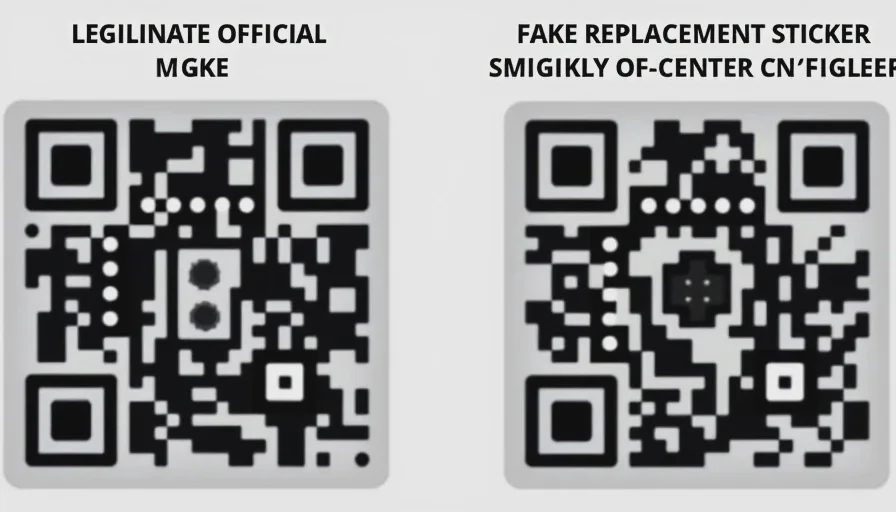
This is the parking meter example. A scammer prints their own QR code on a sticker and places it over the legitimate one. Sometimes they also cover the instructions or add a fake note: "New payment system — scan this code."
What happens when you scan: You're taken to a convincing fake payment page. It looks like the city's official parking app, but it's a scammer's site. You enter your card details and think you've paid for parking. In reality, your card is now compromised.
How to spot it:
Look closely at the sticker. Is it slightly off‑center? Does it have bubbles or uneven edges? Does it look like it was placed on top of something else?
Compare the QR code to others nearby. If one meter has a different code than the rest, that's a red flag.
Some cities now use dynamic codes that change periodically. If the code looks like a generic sticker, it's suspicious.
2. The fake menu code
You sit down at a restaurant. The server says, "Scan the QR code on the table for our digital menu." You scan it. The menu looks right. You order. But in the background, you've just been directed through a third‑party tracking site that collects your phone's device ID and location data. Later, you start getting targeted phishing messages.
More dangerously, some fake menu codes lead to pages that ask you to "verify your reservation" by entering credit card details — even though the restaurant doesn't do that.
What's really happening: The restaurant's legitimate QR code has been replaced with a lookalike, or the restaurant itself has been sold a "free QR menu system" that actually harvests data.
How to protect yourself:
Ask the server for a paper menu. Many restaurants still have them.
If the digital menu asks for payment or personal info beyond your table number, that's unusual. Close it and ask a server how payments normally work.
3. The emailed "payment reminder" QR code
You receive an email that looks like it's from your utility company or your child's school:
"Your account has a balance due. Scan the QR code below to pay quickly and avoid a late fee."
The email looks legitimate. It has the company's logo, your name, and the amount due. You scan the QR code without thinking.
What happens next: The QR code leads to a fake payment portal. Some scammers have even created pages that look exactly like the real one — down to the security badges and the footer links. You pay, and the money goes to them.
How to spot it:
Does your utility company normally send QR codes for payment? Most don't.
Check the sender's email address carefully. Is it from
@company.comor@company‑payments.org?Instead of scanning, go to the company's website directly and log in to check your balance.
The dangerous "customer support" variant
This one is especially clever. A scammer places a QR code sticker on a parking meter or electric vehicle charging station with text that says:
"Having trouble paying? Scan here for customer support."
You scan it and are connected to a chat window with someone who appears to be a support agent. They guide you through "troubleshooting" — which involves sharing your credit card info or installing a remote‑access app on your phone.
The twist: The scammer is getting paid twice. First, you're not actually paying for the service (so you may later get a fine). Second, they're collecting your personal information.
The rule: If a QR code says it leads to "support," it's almost certainly fake. Official customer support for parking meters, charging stations, and payment systems is never reached via a third‑party QR code. The official contact information is printed on the equipment itself — use that.
A real‑world example
In one case I tracked, scammers placed QR codes on EV charging stations in a suburb of Chicago. The code promised "faster charging activation" if users paid through a new portal. Within a week, over 40 people had entered their credit card details, and total losses exceeded $15,000.
The city removed the stickers and issued a public warning. But by then, the scammers had already moved on to the next city.
The one‑second check that saves you
You can't read a QR code by looking at it. But you can check where it's sending you before you enter any information.
Here's the move:
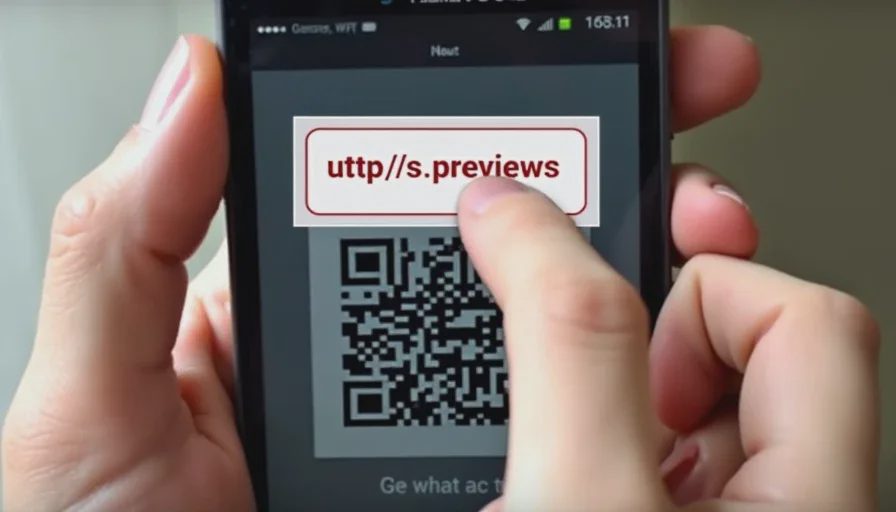
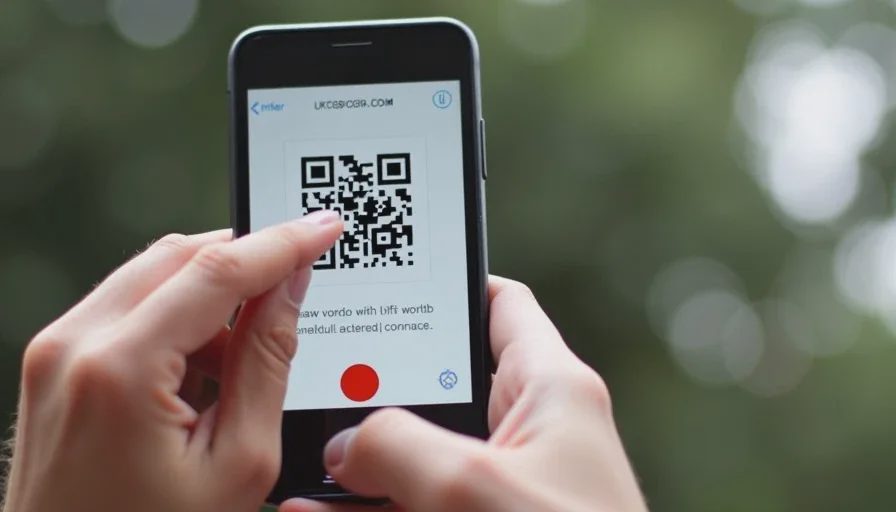
Point your camera at the QR code and let it scan — but don't tap the link that appears. Just look at the URL preview that your phone shows you.
On iPhones, a notification banner pops up with the full URL. On Android, a small preview appears at the bottom or top of the screen.
Read the URL carefully:
Does it match the official domain of the business? If it says
cityofchicago.gov, that's likely legit. If it sayscityofchicago‑pay.net, that's fake.Does it use a URL shortener like
bit.lyortinyurl? Legitimate payment systems almost never do.Does the domain contain misspellings?
pay-palvs.paypalis a common trick.
If the URL doesn't look exactly right, do not tap it. Type the official URL into your browser manually instead.
What to do if you already scanned and entered info
If you used a QR code to make a payment and you're worried it might have been fake:
Check your bank statement. Look for any transactions you don't recognize, especially small test charges (under $5). Scammers sometimes test stolen cards before making larger purchases.
If you see anything suspicious, call your bank or card issuer immediately. Tell them you may have scanned a fraudulent QR code. They can freeze your card and issue a new one.
If the payment was made through a third‑party app (like PayPal or Venmo), contact that service's support line. They may be able to reverse the transaction.
If you entered a password on a fake site, change it immediately — especially if you reuse it elsewhere.
How businesses can protect their customers
If you run a business or manage a location with QR codes:
Use tamper‑evident stickers that leave a mark when peeled off.
Place QR codes in locations that are hard to cover, like inside a glass panel or behind plastic.
Check codes daily — especially on parking meters, charging stations, and outdoor menus.
Consider dynamic QR codes that can be updated remotely if tampering is detected.
Place a clear sign that says: "Official QR code is inside the glass panel. Do not scan stickers placed on the outside."
The broader takeaway
QR codes are a convenience, not a security feature. They don't verify anything — they just take you somewhere. That somewhere might be safe, or it might be a trap.
The same rule applies here as with links in texts or emails:
Don't scan and act. Scan, check, then verify.
If the code is on a parking meter, compare it to the others nearby. If it's in a restaurant, ask a server if the digital menu is new. If it's in an email, log in directly to your account instead of scanning.
That pause — just a few seconds — is your best defense.
No letters yet.