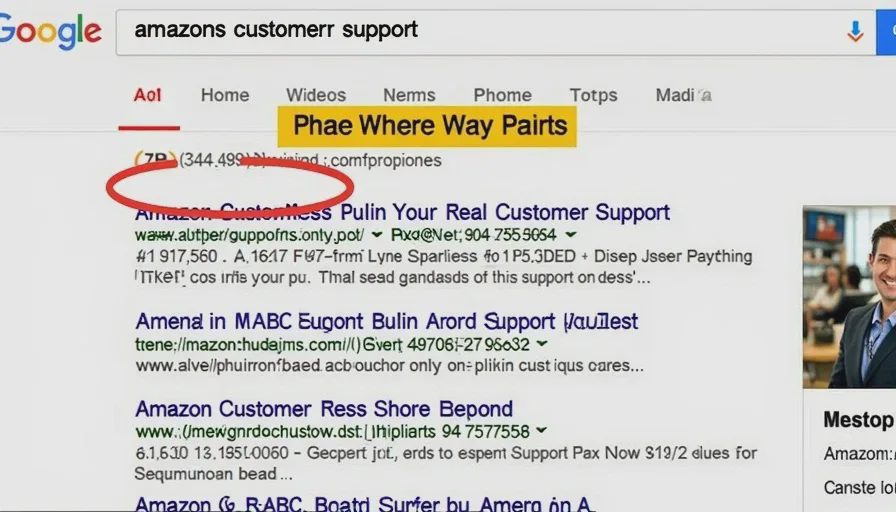
Your printer is flashing an error code. You need help. So you do what most of us do: open Google, type "[printer brand] customer support," and click the first phone number that appears.
You call the number. A friendly representative answers. You explain the issue. They say they can fix it remotely — they just need you to install a small app and pay a one‑time fee of $49.99. You hand over your credit card. They "fix" the problem (often by changing a simple setting), and you hang up, relieved.
A few days later, you notice an extra charge on your credit card. Or your computer starts acting strangely. Or you call the printer company's real number and discover you never spoke to them at all.
You just called a scammer.
Fake customer support numbers are one of the most insidious scams because they exploit something we all do: look for help online. Scammers don't need to send you a phishing email or a fake text. They just need to make sure their number appears higher in search results than the real one. And they've gotten very good at it.
This is a scam surface that's still wide open — and it's getting worse.
Why search results are a perfect scam surface
Three reasons fake support numbers thrive in search:
We're already in a moment of vulnerability. When we need customer support, we're usually frustrated, confused, or dealing with a problem. We're not on high alert — we just want a solution fast.
We trust search results. For most of us, Google has become a proxy for the internet itself. If a result is at the top, we assume it's legitimate. Scammers know this and pay to place their ads and listings right where we look first.
Real companies make it hard to find their support numbers. Many legitimate companies bury their phone numbers deep in their websites, preferring you to use chat or email. That vacuum gets filled by scammers who put their numbers everywhere.
How scammers get their numbers to the top
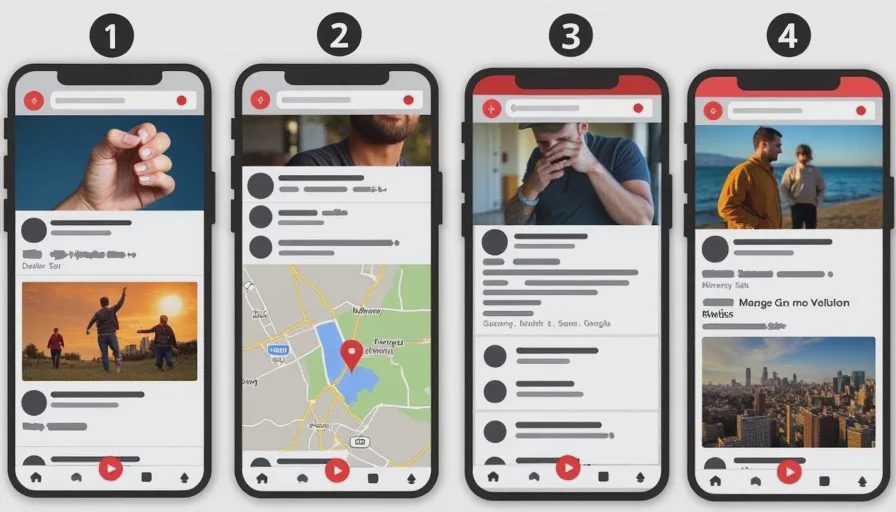
Paid search ads
This is the most direct method. Scammers buy Google Ads for terms like "[Company Name] customer support" or "[Company Name] phone number." Their ads appear at the very top of the search results page — above the real company's listing.
The ad looks legitimate. It shows the company name, a phone number, and sometimes even a tagline that matches the brand. The only clue is a tiny "Ad" label that most people overlook or ignore.
Search engine optimization (SEO)
Scammers build fake support websites that are optimized to rank highly in organic search results. They use the real company's name in the domain (e.g., amazon‑support‑247.com), copy the company's branding, and fill the page with keywords that search engines love.
These pages often look more professional than the real company's own support page. They're clean, fast, and mobile‑friendly. They may even include fake customer reviews and trust badges.
Fake listings on maps and directories
Scammers claim business listings on Google Maps, Yelp, and other directories — pretending to be the official support location for a major brand. They list a phone number that rings to their call center. When someone searches for "Amazon support near me" or "Microsoft store," the fake listing appears alongside real ones.
Sponsored results on social media
Scammers also place ads on Facebook, Instagram, and even YouTube. A video titled "How to reach Amazon customer support" might have a description with a fraudulent phone number. Or a Facebook page with the company's name and logo might be an imposter account.
What the scam looks like when you call
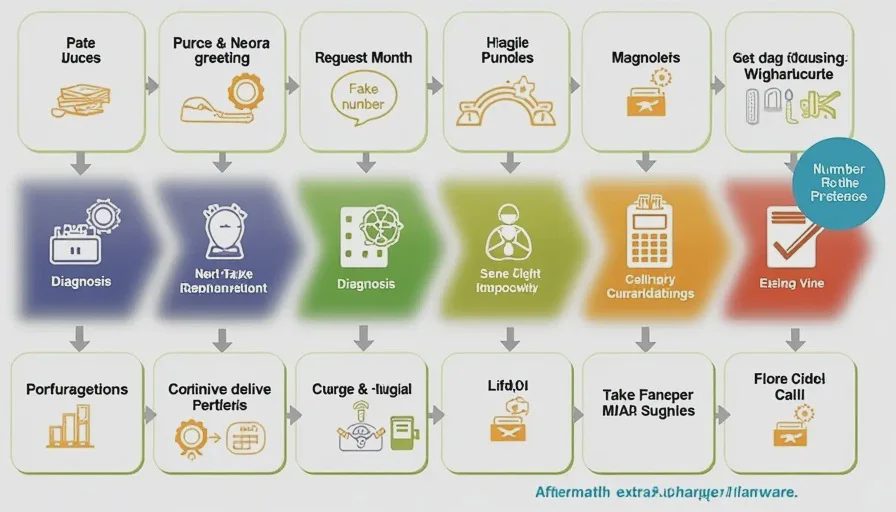
Once you call the fake number, the script is carefully designed to extract money and information.
Phase 1: The professional greeting
"Thank you for calling [Company Name] support. My name is James. Can I have your name and the issue you're experiencing?"
The scammer sounds polished, calm, and helpful. They use the company's name and may even know some details about the product or service. They've been trained to sound like a legitimate support agent.
Phase 2: The diagnosis
"I see the problem. It's a common issue with the latest update. I can fix this remotely, but I'll need to access your computer or phone."
Or, if it's a billing issue:
"I see a charge here that needs to be reversed. I just need to verify your credit card information."
Phase 3: The payment request
"There's a small fee for the support call — it's $49.99, which covers the troubleshooting and the software update. I'll process that now."
They'll ask for your credit card details. Or they'll ask you to install remote‑access software (like TeamViewer or AnyDesk), which gives them control of your device.
Phase 4: The "fix"
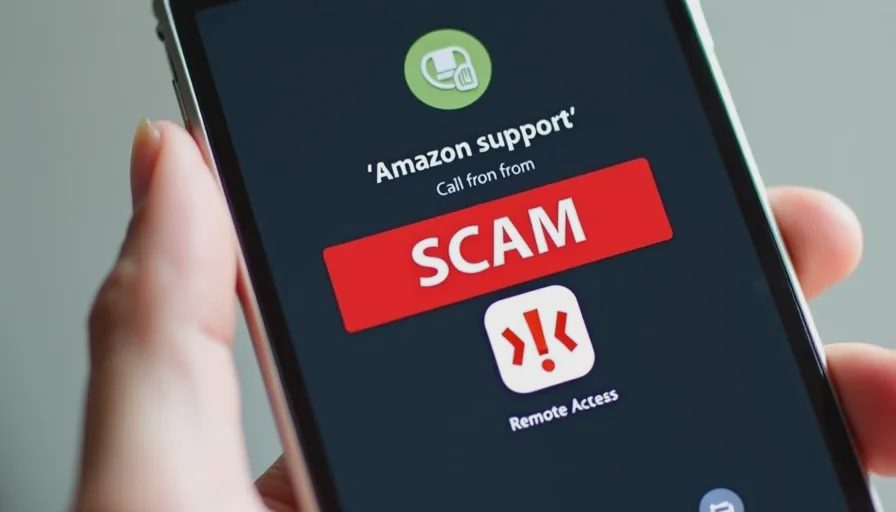
They'll make a small change, like adjusting a setting or clearing a cache. The issue appears to be resolved. You hang up, satisfied.
Phase 5: The aftermath
Your credit card is charged for more than the agreed amount.
The scammer installed malware or spyware during the remote session.
Your credit card info is sold to other scammers.
You're re‑targeted with another scam, offering "recovery" services.
Real-world examples
In 2025, a major cybersecurity firm reported that fake support numbers had scammed consumers out of an estimated $150 million in the U.S. alone. One of the most common targets was printer manufacturers — HP, Brother, Epson — because printer issues are frequent and frustrating.
A 2026 report from the Better Business Bureau found that tech support scams, including fake phone numbers, were the second most common type of scam reported to their Scam Tracker. Victims lost an average of $600 per incident.
A reader told me she called what she thought was her streaming service's support line after her account was locked. She paid a $30 "verification fee" over the phone. Her account remained locked. When she finally found the real number, the legitimate agent told her the service had no record of her call and had never charged a "verification fee."
The one-number trick
Some scammers combine the fake support call with other scams. They'll answer your call, "diagnose" your issue, and then say:
"I need to transfer you to our security department to verify your identity. Please stay on the line."
They transfer you to a different scammer who claims to be from your bank's fraud department. That person tells you there's been suspicious activity on your account and asks you to "confirm" your account details.
You just went from a fake tech support call to a fake bank call — all in one interaction.
How to find the real number
Here's a simple system for finding legitimate customer support.
1. Always go to the official website directly
Don't click a search result. Type the company's official URL into your browser (e.g., hp.com, microsoft.com, amazon.com). Look for the "Support" or "Contact Us" section. The phone number there is the real one.
2. Look for the "Ad" label in search results
If you do use search, check whether the result is a paid ad. Google labels ads with a small "Ad" or "Sponsored" tag. Don't click those. Scroll down to the organic results — ideally the company's own official site.
3. Use the number on the back of your card
For banks, credit cards, and financial services, the number on the back of your card is always legitimate. Use that number, not one from a search engine.
4. Call from the app
Many companies have mobile apps that include support contact information. If you use the app, the support number is verified. Use it.
5. Check for verified badges
Some companies have verified their Google Maps listings or their social media profiles. Look for the checkmark badge.
What to do if you called a fake number
If you think you've called a fake support number:
If you didn't share any information: Block the number. That's the end of it.
If you shared your credit card: Call your bank or card issuer immediately. Tell them you may have given your card details to a scammer. They can block the card and issue a new one.
If you installed remote access software: Uninstall the software immediately. Run a full antivirus scan. Change any passwords stored on that device, especially financial and email accounts.
If you shared personal information: Place a fraud alert on your credit reports. Monitor your accounts for any suspicious activity.
If the scammer is still on the phone: Hang up. Don't argue. Don't try to outsmart them. Just end the call.
How companies can help
This isn't just a consumer problem. Companies need to make their support numbers easier to find.
Best practice: Put your phone number on your homepage — not buried three clicks deep. Use a consistent number across all official channels. Verify your business listings on Google Maps and other directories. Consider using a distinctive "verified" badge that's hard to copy.
Some companies, like Microsoft and Apple, have started displaying "Official Support" banners in search results. That helps, but it's not universal.
No letters yet.