If you are searching for what to do after clicking phishing link in email, start by taking a breath. A click does not automatically mean your phone, computer, or bank account has been taken over. The outcome depends on what happened next: whether you entered a password, downloaded a file, approved a login, or simply opened a page. Your job now is to slow the click, preserve useful information, and close the paths a scammer might use.
First, stop interacting with the message
Close the suspicious tab, email, or attachment. Do not reply to the sender, click an unsubscribe button, call a phone number shown in the message, or return to the page to “check” what it was. Those actions can confirm that your address is active or send you deeper into the same trap. If the email is still open, take a screenshot showing the sender, subject line, link, and any unusual instructions before deleting it.
If the page asked for a login, do not use the browser’s back button to revisit it. Open a new browser window and type the real company’s address yourself, or use its official mobile app. A message that appears to come from your bank, Microsoft, Amazon, Apple, PayPal, or a delivery company can still lead to a fake site. Here’s where the pressure enters the script: urgency tries to make you follow the message instead of verifying it independently.
If you only clicked and saw a blank page or a warning screen, the immediate risk is often lower than if you entered information. Still, continue through the basic checks. If the message wants speed, you want distance.
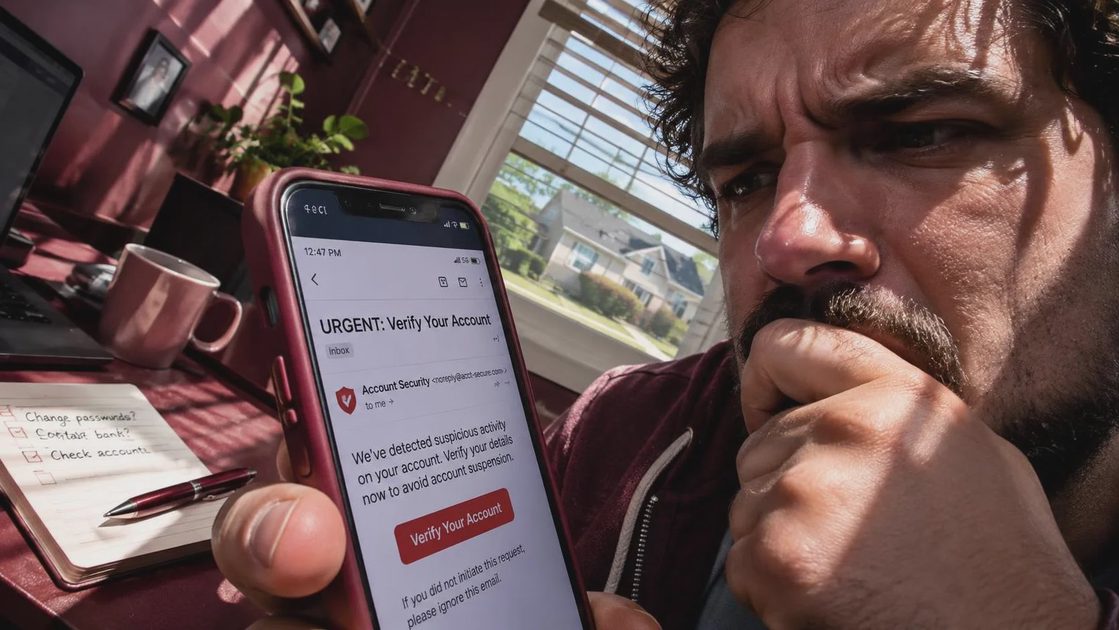
Figure out what the click exposed
The most useful question in what to do after clicking phishing link in email is not “Did I click?” but “What did I do after clicking?” Write down the sequence while it is fresh. Did the page ask for your email and password? Did you type a debit card number, Social Security number, or one-time verification code? Did you download a document, install an app, allow browser notifications, or approve a sign-in prompt on your phone?
Different actions call for different responses. If you entered a password, change it immediately from the real service’s website. If you reused that password elsewhere, change those accounts too, starting with email. Your email account is especially important because it can receive password-reset links for banking, shopping, payment, and social accounts.
Use a new, unique password rather than a small variation of the old one. A password manager can create and store long passwords so you do not have to memorize every change. Turn on multifactor authentication, preferably with an authenticator app or security key when available. Text-message codes are better than no second factor, but they can be exposed through phone-number takeover scams.
Secure money and identity information
If you entered payment details, contact the card issuer using the number on the back of the card or the official banking app. Explain that the information was entered on a suspected phishing page. Ask whether the card should be locked or replaced and review recent transactions. For a checking account or debit card, speed matters because the money comes directly from the account.
If you provided a bank login, call the bank’s fraud department through a trusted number. Ask about changing online-banking credentials, ending active sessions, replacing compromised cards, and adding account alerts. Do not trust an incoming call claiming to be the bank just because the caller knows your name or some account details.
For exposed Social Security information, consider reporting the incident at IdentityTheft.gov and reviewing your credit reports through AnnualCreditReport.com. A credit freeze is free to place and can help prevent new creditors from opening accounts using your information. You must contact each major credit bureau separately unless you use a service that clearly handles the process for you.
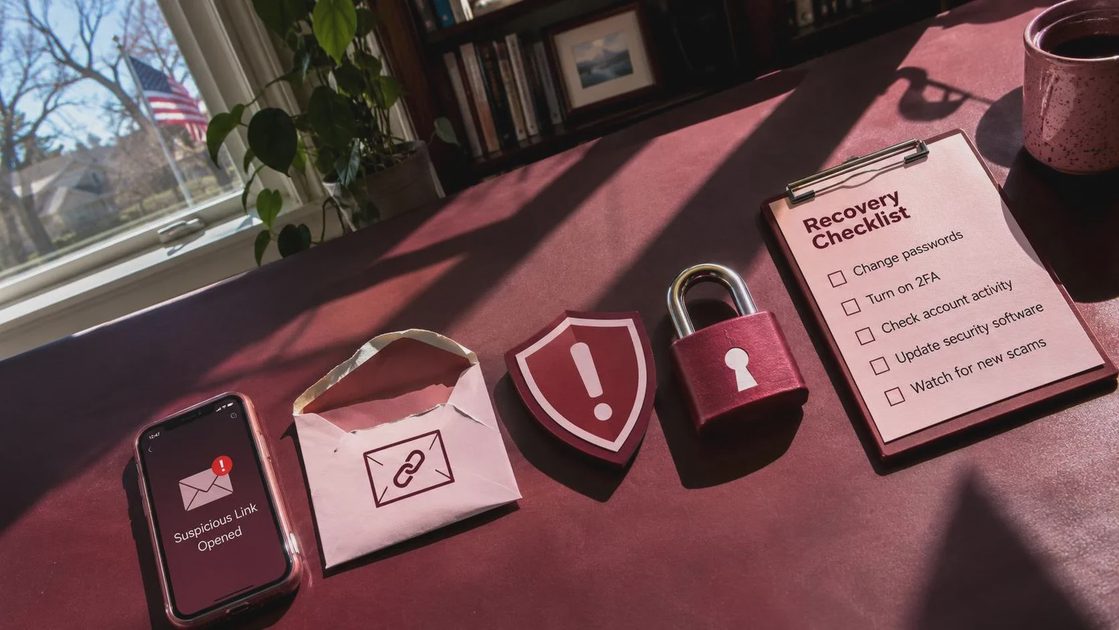
Check the device without making things worse
Knowing what to do after clicking phishing link in email also means checking whether anything was installed. Look in your downloads folder for files created around the time of the click. Do not open a file simply to identify it. Delete suspicious downloads, then empty the trash or recycle bin. On a phone, review recently installed apps and remove anything you do not recognize, especially an app installed immediately after the message.
Run the built-in security scan on Windows Security for a Windows computer, or use the security protections included with your Mac, iPhone, or Android device. Install operating-system and browser updates from the device’s normal settings, not from a pop-up claiming that your device is infected. If the page asked you to install remote-access software such as AnyDesk or TeamViewer, uninstall it, disconnect from the internet if someone had control, and get help from a trusted technician.
Browser notifications can also become a nuisance or a fraud channel. In your browser settings, review websites allowed to send notifications and remove unfamiliar entries. Check extensions as well. A new or unknown extension deserves attention, particularly if it appeared after the phishing event.
Watch accounts and report the scam
For several weeks, monitor email-security alerts, bank activity, credit-card transactions, and password-reset messages. Look for new forwarding rules in your email account, unfamiliar recovery addresses, unknown devices, and sign-ins from places you do not recognize. Change the password again if you see suspicious activity, and sign out of all sessions where the service offers that option.
Report the email as phishing through your email provider. You can also report online fraud to the Federal Trade Commission at ReportFraud.ftc.gov. If money was sent through Zelle, Venmo, Cash App, a wire transfer, or a gift card, contact the payment company immediately and ask about fraud recovery. Recovery is not guaranteed, but waiting usually gives the scammer more time to move funds.
If a work account was involved, tell your employer’s IT or security team promptly. A single compromised password can expose shared documents, customer records, or internal email. Do not hide the mistake; early reporting lets the organization revoke sessions and warn others.
How to prevent the next close call
The best response to what to do after clicking phishing link in email ends with a small change in routine. Keep your operating system, browser, and security software updated. Use unique passwords and multifactor authentication for email, banking, and payment accounts. Turn off automatic downloads where practical, and avoid opening unexpected attachments even when the sender’s display name looks familiar.
Before responding to an urgent request, leave the message and contact the company through a bookmark, a typed web address, or a phone number from a statement. Look for mismatched domains, strange wording, unexpected invoices, and requests for secrecy. A real company may send alerts, but you should not have to prove your identity through a link chosen by the person demanding an immediate response.
The short version of what to do after clicking phishing link in email is simple: stop, document, identify what you shared, secure the affected accounts, check the device, and report the attempt. You are not foolish for being targeted. Scammers design these messages to create pressure. Slow the click, then take the next useful step.
No letters yet.