If you are searching for how to protect elderly parents from phone scams, start with one idea: the goal is not to make your parent suspicious of every call. It is to create enough time and distance for a suspicious request to be checked before money, passwords, or personal information leave the house. Scammers often sound polite, prepared, and urgent. A calm family plan works better than a lecture about being more careful.
Why phone scams work on smart, careful people
A scam call usually begins with a believable identity. The caller might claim to be from Medicare, a bank, Amazon, Microsoft, the IRS, a police department, or a relative who has lost a phone. The name displayed on caller ID can look familiar because scammers use spoofing. That name is not proof that the call is genuine.
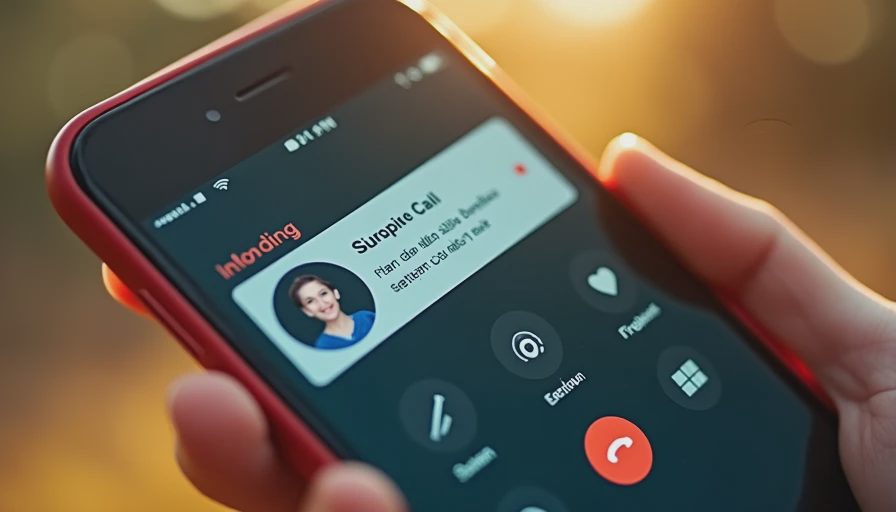
Here is where the pressure enters the script. The caller introduces a problem, gives it a deadline, and offers a single way to fix it. “Your account will close today.” “Your grandson is in trouble.” “Move your money to a safe account.” “Read me the code that just arrived.” The request becomes emotionally loaded before your parent has time to ask ordinary questions.
This is not a test of intelligence. Isolation, hearing difficulty, grief, memory changes, and unfamiliar technology can make a convincing call harder to evaluate. Even a confident adult can respond quickly when a caller sounds authoritative. The family plan should reduce pressure, not increase shame.
A useful household rule is simple: no one makes a financial decision during an unexpected call. Hang up, wait, and contact the organization or family member through a number already saved or printed independently.
Build a phone scam plan before the next call
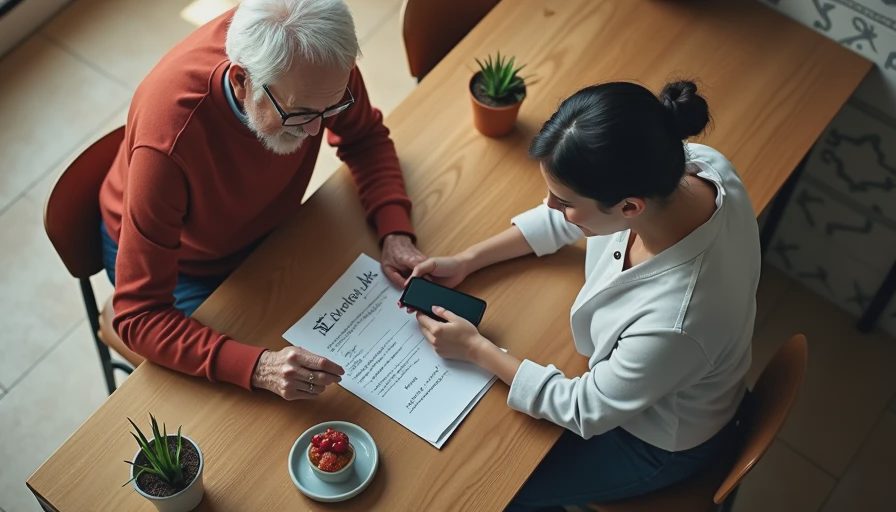
The practical answer to how to protect elderly parents from phone scams begins with a short written plan placed near the phone. Keep it large enough to read without glasses. Use language your parent would actually say:
- I do not make decisions on surprise calls.
- I will hang up, even if the caller says it is urgent.
- I will not share a password, Social Security number, bank information, or verification code.
- I will not install software because a caller told me to.
- I will call my family member or the company using a trusted number.
Create a family safe word for emergencies, but do not treat the word alone as proof. A scammer who has accessed social media may know birthdays, pet names, or family details. If someone claims to be a relative, call that person directly. If the relative cannot answer, contact another family member rather than sending money.
Set a check-in routine that feels supportive instead of invasive. For example, a parent can text “check” after an unusual call, and an adult child can respond without criticizing the decision to ask. A five-minute weekly conversation about recent calls also makes it easier to report a scam quickly if one happens.
Adjust phone settings and caller habits
Technology can lower the number of interruptions, but no call-blocking tool catches everything. On an iPhone, review settings for Silence Unknown Callers and use the built-in option to report unwanted messages. On Android, the Phone app may offer spam protection and caller ID features, depending on the device and carrier. Enable automatic updates, because outdated software can leave familiar security problems unresolved.
Carrier tools from companies such as Verizon, AT&T, and T-Mobile can flag or block suspected spam. Apps such as Hiya and Truecaller offer additional caller identification features, although families should review privacy settings and subscription costs before installing them. A blocked call should not be treated as proof that every allowed call is safe.
How to protect elderly parents from phone scams also involves changing the answering routine. Let unknown calls go to voicemail. A real medical office, bank, or neighbor can leave a message. Remove unnecessary contacts from public social profiles, and consider a separate number for online shopping, appointments, or forms. Keep the main number limited to people and organizations your parent already knows.
If a parent receives frequent scam texts, show them how to avoid tapping links and how to use the phone’s report-junk option. Do not reply with “STOP” to an obviously fraudulent message; replying can confirm that the number is active.
Protect bank accounts and payment apps
Phone scams become especially dangerous when the caller controls the conversation and the payment happens immediately. Help your parent turn on bank transaction alerts, login notifications, and two-factor authentication. A text code is useful, but an authentication app or security key can provide stronger protection for important accounts when the parent can use it comfortably.
Create lower daily transfer limits where the bank allows it. Remove stored cards from payment apps that are rarely used, and keep only a modest balance in peer-to-peer services such as Zelle, Venmo, or Cash App. These services are convenient, but a payment authorized by the account holder can be difficult to reverse. Never move money to a “safe account” because a caller instructs you to do so.
A family member can help review statements once a month, with permission. Look for unfamiliar withdrawals, new payees, recurring charges, gift card purchases, or cash withdrawals that do not fit the normal pattern. Store emergency bank numbers in the phone and on paper. Do not use a number supplied during the suspicious call.
What to do after a suspicious call
If your parent gave out information, installed remote-access software, bought gift cards, or sent money, skip the blame and move quickly. End the conversation and disconnect the device from the internet if remote-control software was installed. Use a different trusted device to change email, bank, and payment passwords. Ask the bank or payment service whether a transfer can be stopped, and report unauthorized transactions immediately.
Contact the card issuer if card details were shared. If a Social Security number or identity information was exposed, visit IdentityTheft.gov for recovery guidance. Report the scam to the Federal Trade Commission and, when appropriate, local police or the caller’s claimed organization. Save screenshots, phone numbers, receipts, emails, and shipping records. Those details can help investigators and payment providers understand what happened.
A respectful family checklist
The best answer to how to protect elderly parents from phone scams is a system that works when everyone is tired or frightened. Put trusted contacts in favorites, print important numbers, activate account alerts, and practice hanging up once. Ask your parent to demonstrate how they would handle a call claiming to be from a bank. Practice matters because the real scam will be designed to create confusion.
Review the plan every few months. Phone menus change, accounts are added, and scammers borrow new stories from the news. Keep the conversation focused on the caller’s behavior, not your parent’s judgment. Say, “That caller tried to rush you,” rather than, “How could you fall for that?”
If you remember only one line, use this one: “I never handle money or codes during an unexpected call. I will call back using a number I trust.” Slow the click. A pause of two minutes can interrupt the entire scam.
No letters yet.